
01 / SEPARATE & MIXEvery part.
Every part.
Your balance.
Turn the voice down. Bring the bass forward. Mix vocals and instrument stems into a track that fits your next idea.
Meet your pocket studio ↗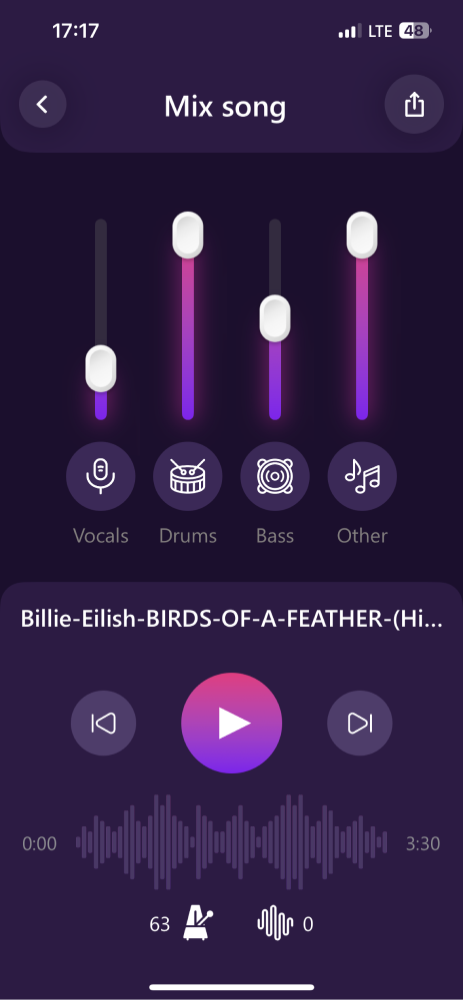
AI music tools for iPhone & iPad
Turn the songs you love into the music you want to make. Isolate vocals, explore instruments and create your own backing tracks.
Free download · In-app purchases available
4.4 / 5on the US App Store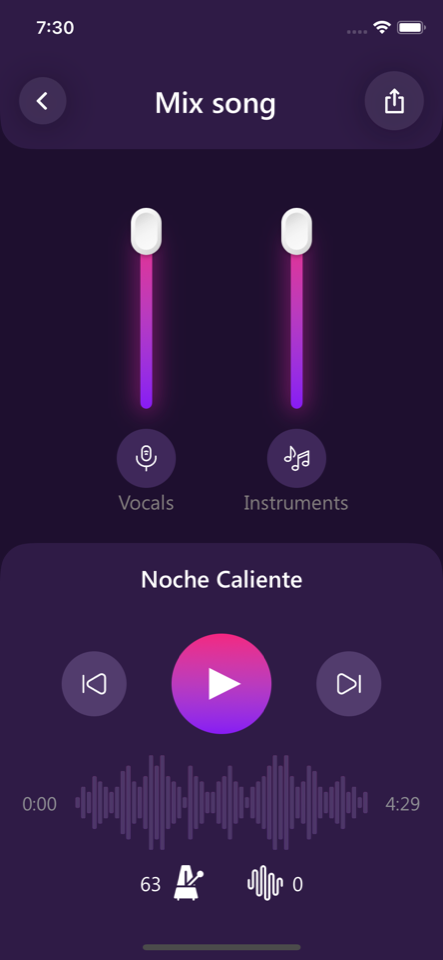
Listen for yourself
Hear the original, then choose a separated part. Find the vocal detail or the bass line hiding inside the mix.
Explore AI separationSelected: Original. Press play to listen.
More than a vocal remover
From the first listen to the final mix.
Your practice session starts here.
Turn the voice down. Bring the bass forward. Mix vocals and instrument stems into a track that fits your next idea.
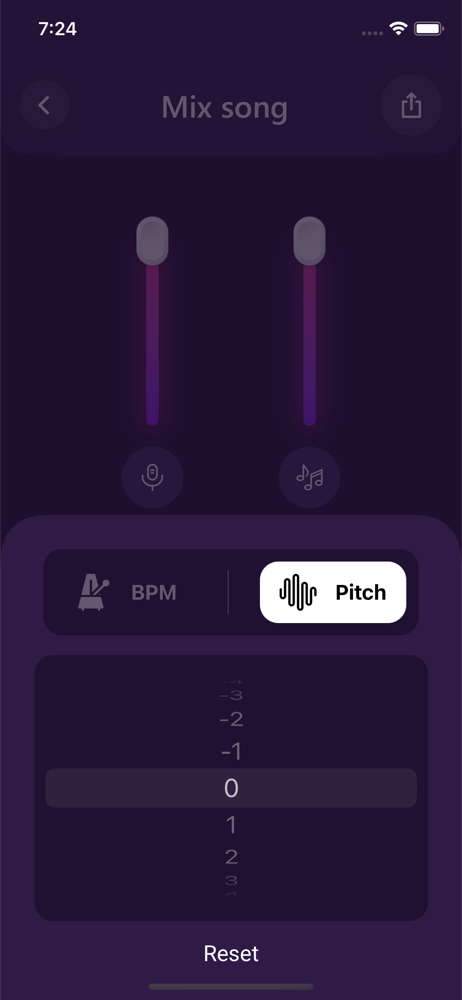
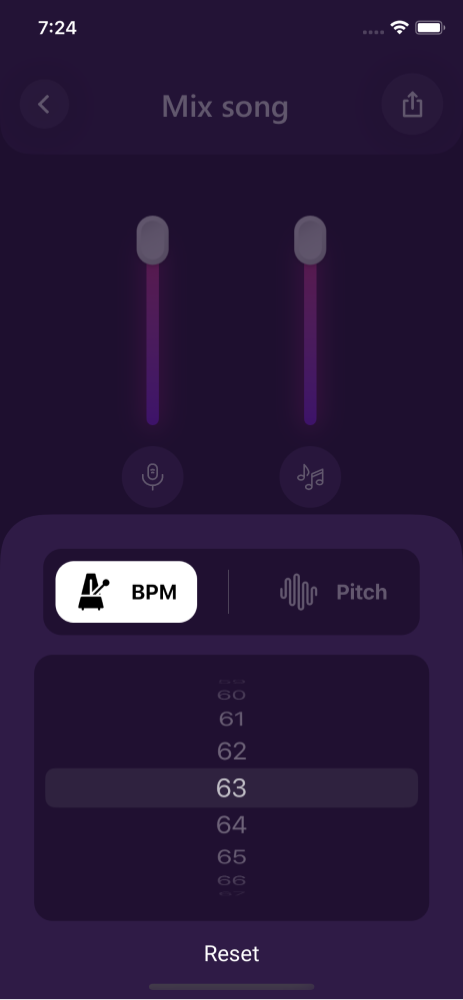
Meet your pocket studio ↗Find a comfortable vocal range or slow down a difficult passage. Practise on your terms.
Follow automatically detected lyrics as the song plays. Learn the phrasing. Find your timing.
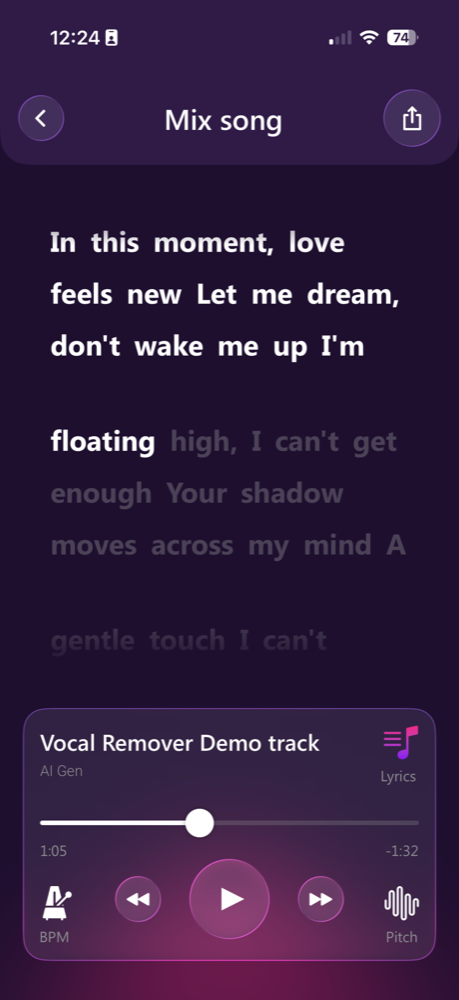
Import your audio, shape your mix and export the parts you need. Keep your music organised in the app.
A little less setup. A lot more music.
Open the app and import a supported file from your device or available import sources.
Choose a separation option. Listen to the vocals and instruments individually.
Adjust the balance, tempo and key. Export your mix or selected stems.
Whatever your reason to play
Create a backing track and find the key that fits your voice.
Hear a part more clearly and practise at your own speed.
Explore stems and build new ideas from audio you have permission to use.
Good questions
Get to know the app, the formats and the possibilities.
All questions ↗Yes. Import a supported audio file into the app, separate the track, then turn down the vocal stem. Export the instrumental or your custom mix. Results depend on the recording and arrangement.
The app supports separation into vocals, drums, bass, piano, guitar and other sounds. The available split options and controls are shown in the app.
The app is free to download and includes in-app purchases. Feature access, limits and subscription offers are shown in the app. Check the App Store and the purchase screen for current prices in your region.
Music separation takes place through the app. This website explains the features and lets you listen to a sample; it does not accept or process your music files.
AI separation estimates the parts in a finished mix. Reverb, overlapping instruments and compressed recordings can leave audible artefacts. Listen to the result before using it in a performance or production.

For iPhone & iPad. Free download with in-app purchases.

On your computer?
Point your iPhone camera at the code to open Vocal Remover on the App Store.